 Following on from my previous post “My working day & my blogging day” I thought I would tell you how I actually write a blog these days. I say “these days” because I am constantly looking to define my method so that it focusses the maximum amount of time on the post itself and the minimum amount of time on actually posting stuff.
It’s also fitting because the tool I use (Windows Live Writer) has just been updated.
I am currently using Windows Live Writer, I have previously used BlogJet but the process is similar in both. This blog is hosted on Typepad and Windows Live Writer has a configuration for my two blogs on there. I also have third configuration at the moment because I am working on the set-up of a wordpress blog for someone else.
So this is how I do it:
- When it comes to be time to write a blog I look in my hand written list of tasks for some of the blog ideas that I have written down.
- Mull over whether any of the ideas has reached a sufficient level of maturity for me to write it.
- Start Windows Live Writer
- Check that I am using the correct account for the post I am writing.
- Write the blog body. I sometimes include the links as I go along, but other times I find this distracting so do them at the end. Most posts include an emoticon or two for which I use a Writer plugin. I normally read each post through a couple of times.
- Create trackbacks. I always do trackbacks at the end.
- Select categories for the blog.
- Give the post a title.
- Create some Technorati tags. I used to use a plugin for this, but the new tag capabilities built into Writer do as good a job.
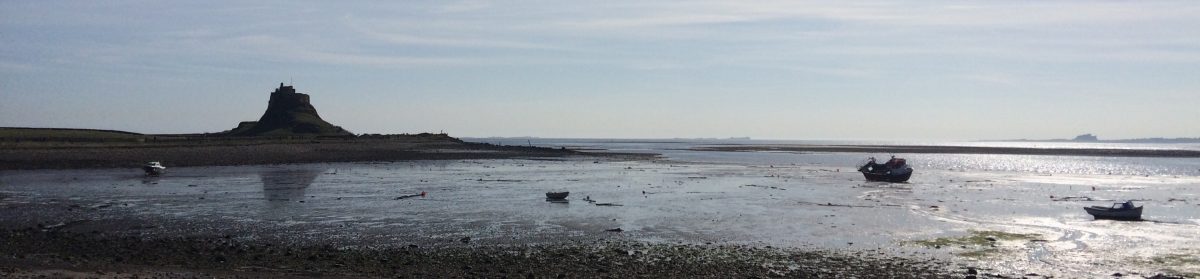
- Insert a Flickr image. I use the Flickr4Writer tool. When I upload images to flickr I give them all a tag “noblog”, when I use them in a blog I remove this tag. This lets me search for the images that I haven’t used in a blog yet.
- Click on publish.
- When the browser window with the published post comes up I click on the permalink link. I then copy the post’s URL and click on the Flickr image. I then put the post’s URL into the image’s description in flickr. This helps me know where I’ve used the image.
That’s it done, just like that. I try to spend most of my time on post creation, but some posts just don’t work out that way  .
.
The new version of writer is a good step forward; I liked the previous version so perhaps I’m biased. It’s still lacking a proper English dictionary which I think is my only gripe at the moment, oh yes and the spell checker still doesn’t understand ‘words marked in single quotes’. I’d like it to highlight my spelling a grammar issues in the same way as Word does, but you can’t have everything for free.
(I’ve just noticed that Flickr4Writer has been updated since I last used it).
Discover more from Graham Chastney
Subscribe to get the latest posts sent to your email.
 Graham Chastney